
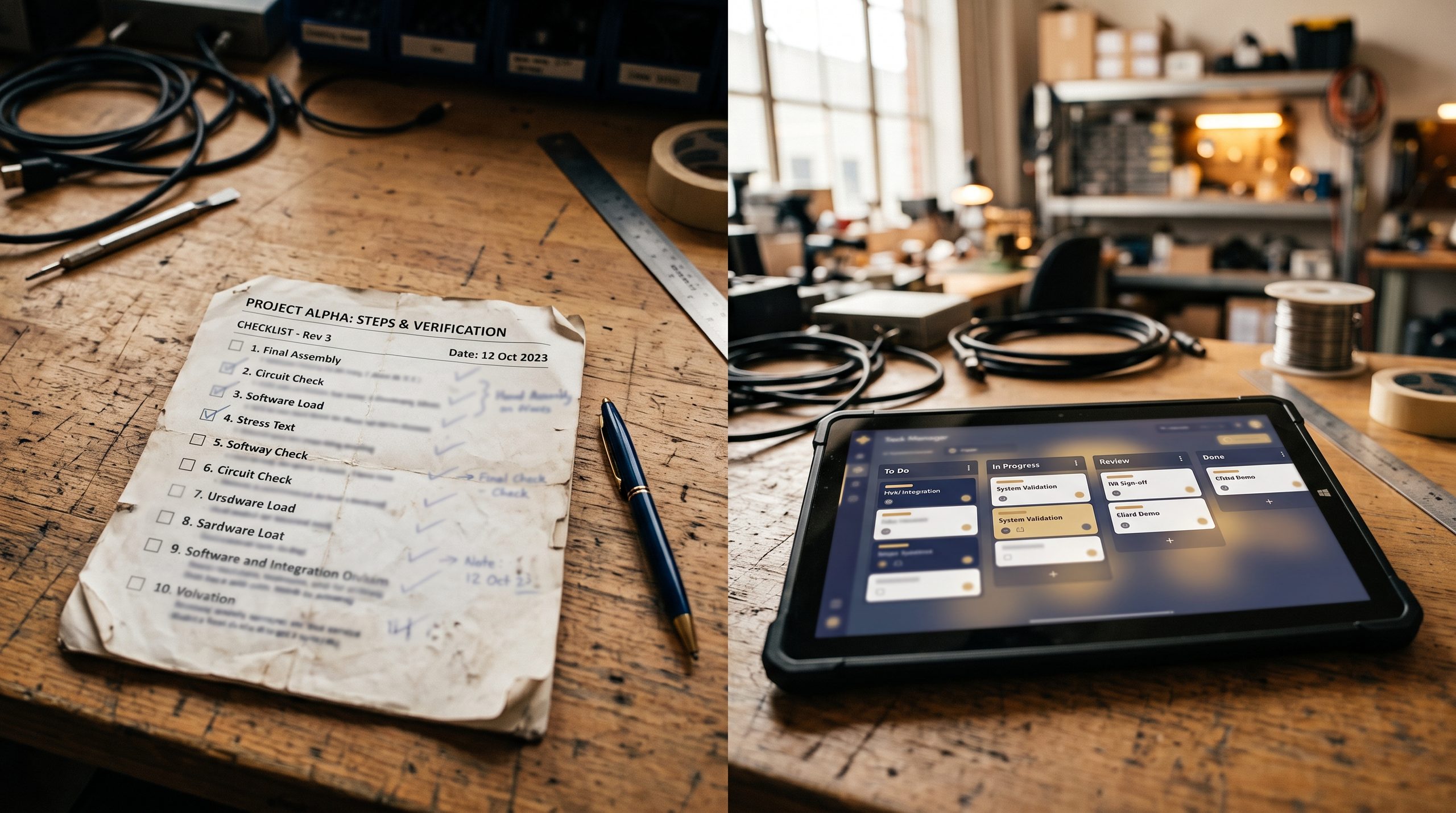
A punch list — the running record of small, outstanding items that need addressing before a project’s considered fully complete — is a routine part of nearly every construction job. How that list gets tracked, though, varies a lot between businesses, and the difference between paper and digital tracking tends to matter more than it might seem at first.
A quick note: both approaches can work for a small, simple project. The comparison here focuses on where each tends to break down as project size or complexity grows.
What a Punch List Actually Involves
A punch list typically includes minor touch-ups, small corrections, or final details left over after the bulk of a project’s work is done — a paint touch-up, a fixture that needs adjusting, a piece of trim that wasn’t quite finished. Individually minor, these items collectively determine whether a client considers a project truly finished, which makes tracking them accurately and getting them done promptly genuinely important.
How Paper Punch Lists Typically Work
A paper punch list is usually a handwritten or printed list, sometimes put together during a final walkthrough with the client, that gets checked off as items get completed. It’s simple, needs no special tools, and works fine for a very small, straightforward list.
Where Paper Punch Lists Tend to Struggle
Paper lists can get misplaced, especially across a busy multi-week completion phase involving several crew members. Updates require manually crossing off or rewriting items, and there’s no easy way for multiple people to see the current status at the same time without physically passing around the same sheet of paper. If different crew members are working on different punch list items, coordinating who’s doing what, and confirming completion, often falls back on verbal communication that isn’t always reliable.
How Digital Punch Lists Typically Work
Digital punch list tools let items get logged with a description, sometimes a photo, and often assigned to a specific crew member, all viewable and updatable by anyone with access in real time. As items get completed, they can be marked off digitally, often with a photo confirming the finished work, creating a clear, shared, up-to-date record.
Advantages of Digital Punch Lists
Real-time visibility for everyone involved. Anyone with access can see the current status of every item without needing to physically check a paper list or ask around.
Photo documentation tied to each item. Attaching a photo when an item gets logged, and another when it’s completed, gives clear evidence of the issue and its resolution, useful for both internal tracking and client communication.
Easier assignment and accountability. Assigning specific items to specific crew members, with a clear digital record of who’s responsible for what, tends to cut down ambiguity about ownership of each task.
Client-facing transparency. Some platforms offer a client-facing view of the punch list, letting clients see progress on outstanding items without needing a separate update conversation.
No risk of a lost or damaged physical list. Since the list exists digitally, it isn’t at risk of getting misplaced, damaged, or accidentally tossed during the busy final phase of a project.
When Paper Might Still Be Reasonable
For a very small, simple punch list involving only a handful of items and a solo contractor or very small crew, paper tracking can still work adequately without much downside. The complexity digital tools help manage tends to matter more once the list gets longer, involves multiple people, or spans a longer completion period.
Making the Switch to Digital Punch List Tracking
Many construction management and field management platforms include punch list tracking as a built-in feature, often integrated with photo documentation and crew communication tools already in use. That means adopting digital punch list tracking sometimes doesn’t require a separate, additional tool at all, if a business is already using a broader field management platform that includes this functionality.
A Practical Way to Decide
If punch lists on recent projects have involved more than a handful of items, multiple crew members completing different tasks, or any confusion about what’s been finished versus what’s still outstanding, that’s a reasonable signal that digital tracking would likely cut friction and speed up completion compared to sticking with paper.
Frequently Asked Questions
Does switching to digital punch lists require the whole crew to learn new software? Generally just the basics — viewing assigned items and marking them complete, which tends to be a quick, low-friction skill to pick up, especially compared to more complex software features.
Can clients see a digital punch list directly, or does someone need to share updates manually? Varies by platform. Some offer a client-facing view directly, while others require exporting or manually sharing a summary. Worth checking this specifically if client transparency is a priority.
Is digital punch list tracking worth it for a very small, simple project? Less critical for a very short list handled by one or two people, though even small projects can benefit from the added clarity and photo documentation digital tracking provides.
In Summary
Paper punch lists can work fine for very small, simple projects, but they tend to get harder to manage as lists grow longer, involve more people, or span a longer completion timeline. Digital punch list tracking addresses these common breaking points directly, offering real-time visibility, clear task assignment, and photo documentation that paper simply can’t match. For businesses already using a broader field management platform, digital punch list tracking is often already available as a built-in feature worth adopting rather than a separate tool to go hunting for.