
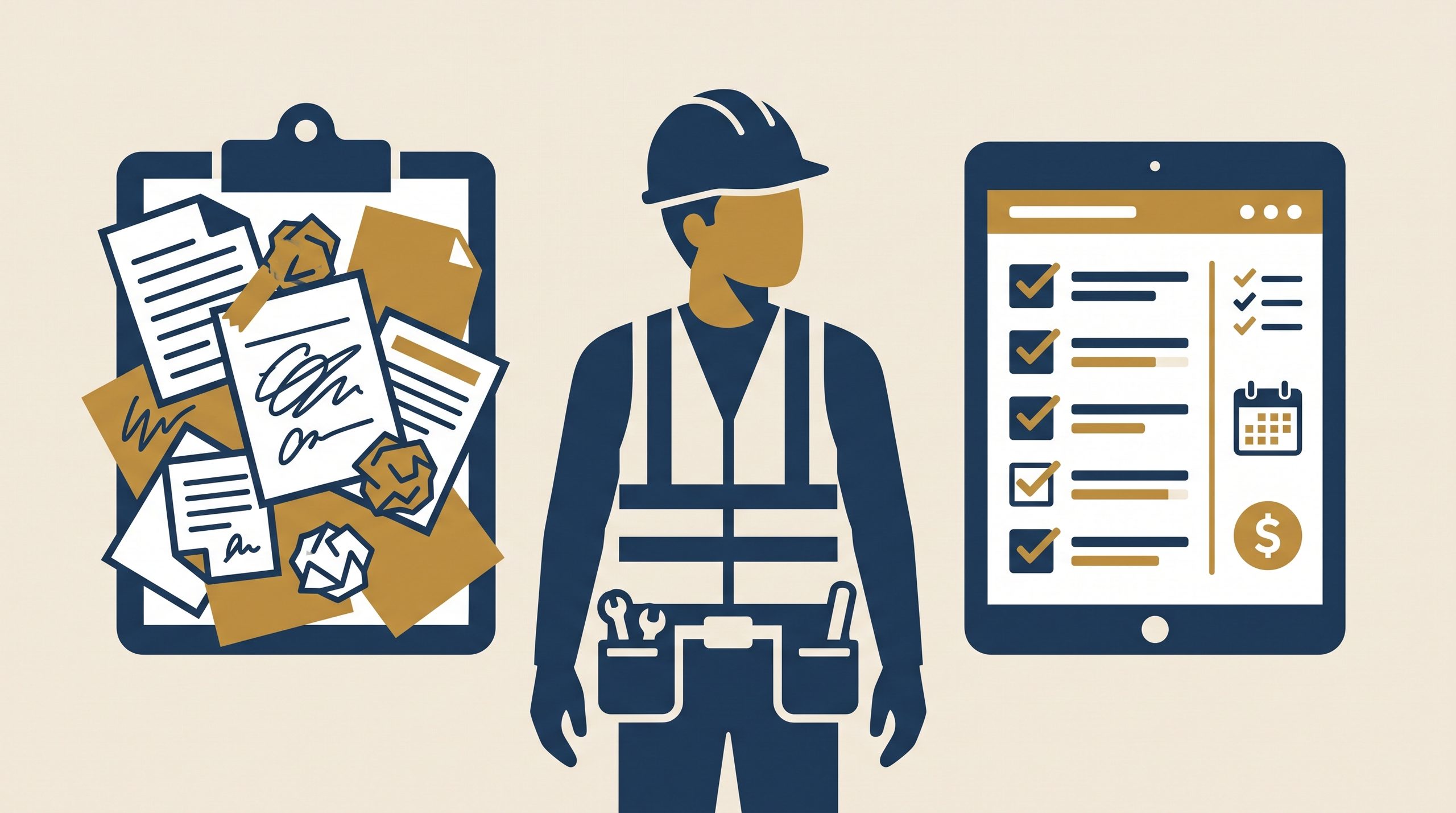
If you’re running a small construction outfit with a crew of two, five, or even ten, it’s a fair question to ask whether project management software is actually built with a business your size in mind — or whether it’s just another line item marketed at companies far bigger than yours. The honest answer: it comes down to where your business stands right now, and what’s genuinely costing you time or money at this point.
This article walks through how to recognize the moment when software starts making sense, and what tends to happen if you keep putting it off.
Quick note: this piece focuses on general project management and scheduling tools, not specialized platforms like accounting or estimating software, which get their own coverage elsewhere on this site.
What “project management software” actually means for a small contractor
For a small construction business, this usually isn’t the sprawling, enterprise-grade platform that a large general contractor might use to juggle dozens of commercial projects at once. At the small-business level, it typically boils down to a tool that helps you:
Track which crew is on which job, and when.
See project timelines and deadlines in one place, instead of scattered across texts and sticky notes.
Share updates, photos, and documents with clients or subs without digging through old email threads.
Avoid double-booking your own crew or equipment.
Signs you’re probably still fine with spreadsheets and paper
You’re only handling one or two projects at a time, rarely more.
Your crew is small enough that you can keep track of who’s where without much mental effort.
You rarely work with subcontractors who need their own visibility into the schedule.
Small slip-ups (a forgotten material order, an overlapping appointment) happen now and then but haven’t cost you real money yet.
If this sounds like your business, there’s a reasonable case for holding off. Software isn’t inherently better — it earns its place when it solves a real, recurring problem you’re already dealing with.
Signs you’ve likely outgrown manual tracking
You’re juggling three or more active jobs at once
Past a certain number of simultaneous projects, keeping every deadline, material delivery, and inspection date in your head — or scattered across notes — stops being merely inconvenient and starts becoming genuinely error-prone.
A scheduling conflict has already cost you money
Double-booking a crew, missing a coordination window with a sub, or showing up on-site without the right materials because nobody flagged the delivery date — these are exactly the kinds of mistakes project management software is built to catch before they happen.
Clients are asking for updates you can’t easily give
If a client calls asking “where do things stand?” and you have to dig through old texts and photos to answer, that’s a sign your current setup isn’t built to communicate progress efficiently — something most project management tools handle out of the box.
You’re losing real hours each week just organizing information
If you, or someone on your team, spends a few hours weekly pulling schedules, texts, and notes into something usable, that time has a real cost — even if it doesn’t register as a “problem” on any given day.
Delegating has started creating confusion instead of relief
Once you bring on an office manager, a foreman, or additional crew leads, everyone needs visibility into the same information. Spreadsheets and group texts tend to break down fast once more than one or two people need to stay in sync.
What it actually saves you, realistically
Based on how small contractors typically describe the change after adopting basic project management software:
Fewer scheduling conflicts, since the software flags overlaps automatically instead of relying on someone’s memory.
Faster client communication, since progress photos and updates all live in one shared place instead of scattered texts.
Less time spent “catching up” at the start of each day or week, since every job’s status is visible at a glance.
Smoother handoffs, if a crew lead is out sick or a job changes hands mid-project.
Worth being realistic here, though: software doesn’t fix a business with deeper organizational problems — it makes an already-functional process faster and less error-prone. If scheduling chaos is really a symptom of bigger workflow issues, software alone won’t fix that underlying problem.
Is it worth it for a solo contractor?
This one’s genuinely more situational. A solo contractor handling one job at a time may not need dedicated software at all — a basic calendar and a notes app might do the job just fine. It tends to become worthwhile for solo operators specifically once they start juggling multiple concurrent projects, working with subs who need shared visibility, or when client communication starts eating up a disproportionate chunk of the day.
Common mistakes when making this call
Waiting until after a costly mistake instead of catching the warning signs early.
Assuming all construction software is built for large firms — plenty of tools are specifically designed and priced for small crews, a topic covered in more detail elsewhere on this site.
Rolling out software without buy-in from the crew, which often means the tool gets ignored in favor of the old system, no matter how good the software itself is.
Frequently asked questions
How many employees or active projects justify getting project management software? There’s no universal number — it comes down more to complexity than headcount. A contractor juggling two simultaneous jobs with subs and heavy client communication needs may benefit sooner than someone running three straightforward jobs solo.
Can I start with a free plan before committing to a paid tool? Many project management tools offer free tiers or trial periods, which can be a reasonable way to test whether the workflow actually fits your business before paying for a full plan.
Will switching to software slow my team down at first? Some adjustment period is normal with any new tool, but it’s usually short if the software matches the actual size and complexity of your business, rather than an overly complex platform built for much bigger operations.
In summary
Project management software isn’t automatically necessary just because a business exists — it earns its keep once manual tracking starts causing real scheduling conflicts, communication gaps, or lost time on a recurring basis. Running one or two jobs with a small, easily-coordinated crew? Spreadsheets may still do the trick. Juggling multiple jobs, subcontractors, and growing communication demands? That’s usually the point where dedicated software starts paying for itself.