
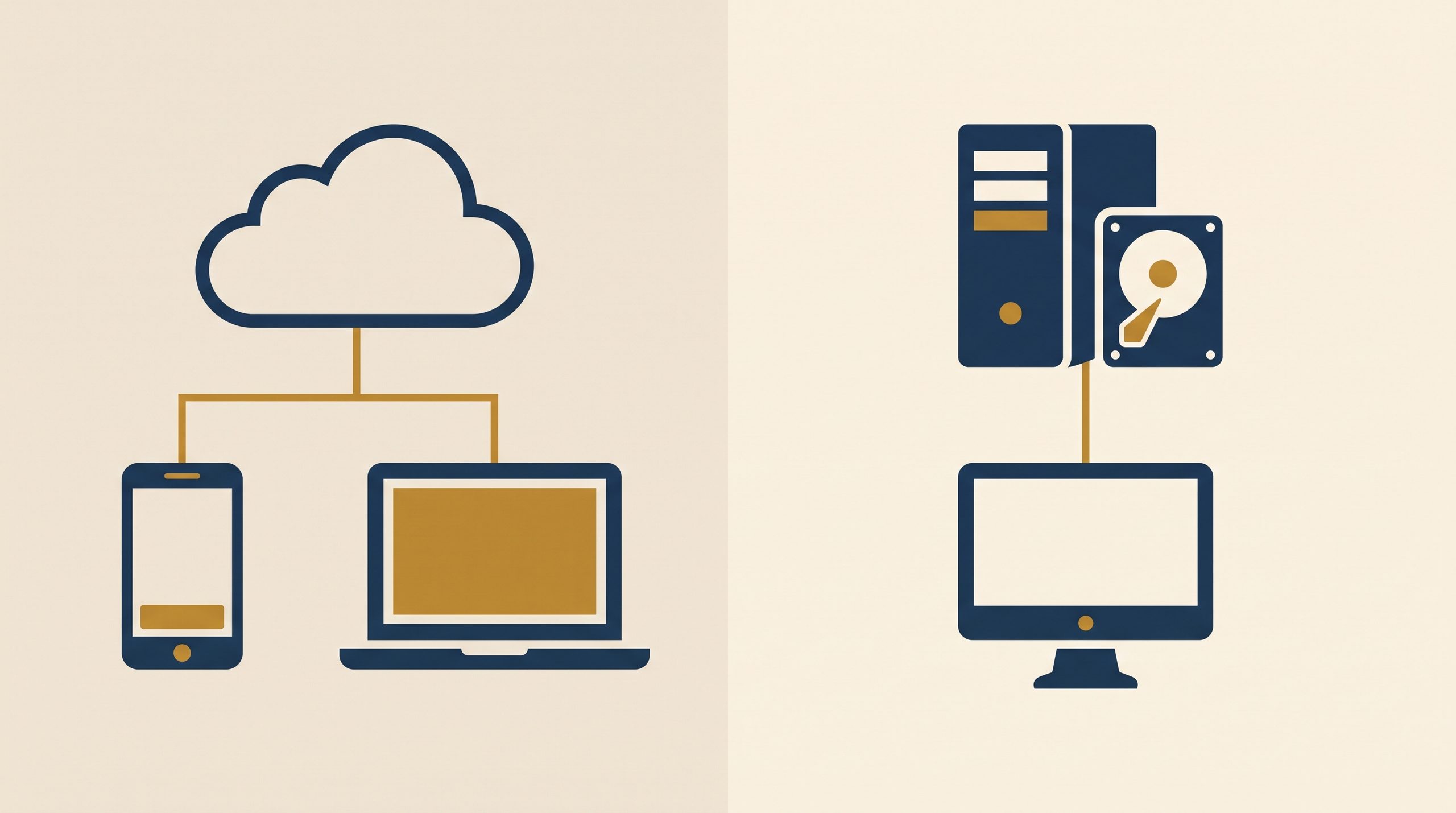
If you’ve started digging into construction software, you’ve probably run into the terms “cloud-based” and “on-premise” without much explanation of what they actually mean for day-to-day use. This distinction matters more than it might seem, especially for a business that operates across several job sites rather than out of a single office.
What “cloud-based” means
Cloud-based software runs on the provider’s servers, and you get to it through a web browser or a mobile app, rather than installing it on one particular computer. Your data lives remotely, generally gets backed up automatically by the provider, and is reachable from any device with an internet connection and the right login.
What “on-premise” means
On-premise software gets installed directly on a specific computer or a local server that your business owns and looks after. Data sits locally, on hardware you’re responsible for, rather than on the provider’s servers.
Side-by-side comparison
| Factor | Cloud-Based | On-Premise |
|---|---|---|
| Access | Any device with internet, anywhere | Typically limited to specific installed devices |
| Data storage | Provider’s servers | Your own hardware |
| Backups | Usually automatic | Your responsibility, unless separately arranged |
| Updates | Automatic, handled by provider | Often manual, sometimes at extra cost |
| Upfront cost | Usually low (subscription-based) | Often higher (software license, hardware) |
| Ongoing cost | Monthly/annual subscription | Maintenance, occasional upgrade fees |
| Mobile/job-site use | Generally strong, built-in | Often limited or requires extra setup |
| Internet dependency | Requires connection to access | Can often work offline once installed |
Why cloud-based has become the default for small contractors
For a business running across job sites rather than a single fixed office, cloud-based software tends to fit the reality of the work better:
A foreman can pull up the schedule from a truck, without needing a specific installed computer.
A client update posted from the office shows up on-site immediately, and the reverse works just as well.
There’s no local server to keep running, which matters for a small business without dedicated IT staff.
Software updates and new features roll out on their own, without anyone needing to manually install anything.
Where on-premise can still make sense
On-premise software isn’t obsolete, and there are specific situations where it’s still a reasonable pick:
Highly specialized, legacy tools a business has relied on for years and doesn’t want to migrate away from, especially if they’re tightly woven into other local systems.
Environments with unreliable internet, where you can’t count on steady connectivity to a cloud platform on a regular basis.
Specific data control requirements, in the rarer case where a business prefers to keep everything on hardware it directly controls, rather than a third-party provider’s servers.
For most small contractors today, though, these are the exception rather than the norm.
What about internet dependency?
That’s a fair concern to raise about cloud-based tools: if you lose internet access, can you still get work done? Most modern cloud-based construction platforms handle this with limited offline functionality — letting you view recently loaded information and queue up changes that sync automatically once the connection comes back. Worth checking this specific feature when weighing a platform if job sites with spotty connectivity are a regular part of your work.
Security considerations
A common assumption is that on-premise means “more secure” simply because the data stays on your own hardware. In practice, that’s not necessarily true. Reputable cloud-based providers typically pour serious resources into security infrastructure — encryption, regular security audits, redundant backups — that a small business would have a hard time matching on its own local server. The real security question isn’t “cloud vs. on-premise” in the abstract, but whether the specific provider you’re considering has a solid security track record — worth confirming directly with any vendor before signing up.
Frequently asked questions
Is cloud-based software more expensive in the long run? Not necessarily. Cloud-based tools are usually subscription-based with a predictable monthly or annual cost, while on-premise software often carries a bigger upfront cost plus ongoing maintenance and occasional upgrade fees that add up over time.
What happens to my data if I stop paying for a cloud-based subscription? That varies by provider — some offer a data export window before deactivating your account, others may cut off access right away. Worth checking a provider’s specific policy on this before committing, especially for historical project data you might need down the road.
Can I switch from on-premise to cloud-based later if I start with on-premise? In most cases, yes, though how smoothly the migration goes, and how much historical data transfers cleanly, depends heavily on the specific software involved. It’s generally easier to start cloud-based from day one than to migrate later, unless there’s a strong reason to go on-premise from the outset.
In summary
Cloud-based construction software has become the practical default for most small contractors, largely because it fits the reality of working across multiple job sites rather than a single office, with lower upfront costs and less maintenance to worry about. On-premise software still has a place in certain situations — mostly around legacy systems or unreliable internet — but for most small construction businesses starting fresh, cloud-based tools are the more practical place to begin.