
“Construction management software” is a broad label that covers a wide range of tools, and that breadth is part of why the term feels confusing the first time you go looking into it. Some platforms focus almost entirely on scheduling. Others are built around estimating and bidding. Some try to handle nearly everything under one roof. This article breaks down what the term actually means and how these tools generally work, without assuming you already know the jargon.
The core idea behind construction management software
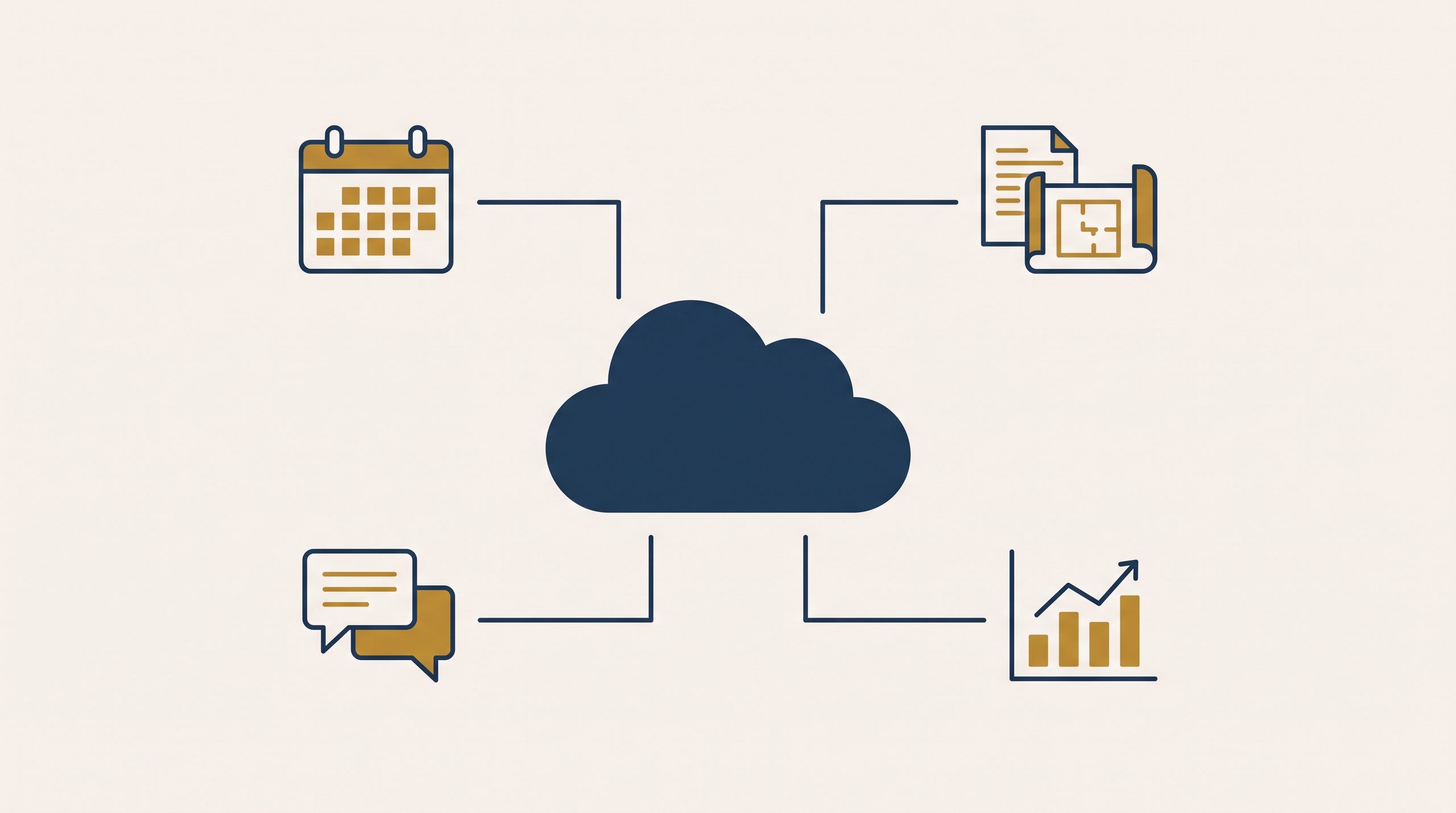
At its core, construction management software swaps out a collection of separate tools — spreadsheets, paper schedules, group texts, email threads, printed blueprints — for a single digital system where that information lives, updates in real time, and stays accessible to everyone who needs it, whether they’re in the office or on the job site.
The main functions these tools typically cover
Not every platform includes all of these, and plenty of small contractors only need a handful, but here’s the general range of what “construction management software” can mean:
Project scheduling
A digital calendar or timeline showing which crew is on which job, and when, often with automatic alerts if two jobs overlap for the same crew or equipment.
Document and photo sharing
A central place to store blueprints, permits, contracts, and job-site photos, instead of scattered across email attachments and phone camera rolls.
Client communication
A simplified view clients can log into to see project progress, without you having to translate internal notes into a separate update email every time.
Estimating and bidding
Tools to build cost estimates and proposals, sometimes with built-in material and labor cost databases — covered in more detail in other articles on this site.
Budgeting and job costing
Tracking actual costs against the original estimate as a project moves forward, so overruns get caught early instead of surfacing after the job wraps up.
Subcontractor coordination
Shared visibility for subs into the relevant parts of the schedule, without handing them access to your entire business.
Field reporting
Daily logs, safety checklists, and time tracking submitted straight from a phone or tablet on-site.
How it typically works, in practice
Most modern construction software runs as a cloud-based platform, which means:
You and your team log in through a website or a mobile app — nothing gets installed locally on a single computer.
Whatever anyone with access enters (a schedule change, a new photo, an updated estimate) becomes visible to everyone else with access, in real time.
Your data sits on the software provider’s servers rather than on your own machine, so it’s reachable from any device and generally backed up automatically.
Most platforms offer tiered access — letting a subcontractor see their portion of the schedule, say, without exposing your full client list or financials.
Cloud-based vs. on-premise: a quick note
Older or more specialized software sometimes runs as “on-premise” — installed on a specific computer or local server rather than accessed online. That’s increasingly rare for tools aimed at small contractors specifically, since cloud-based access fits better with the reality of running a business across multiple job sites. This distinction gets covered in more detail in another article on this site.
What it’s not
It’s not a substitute for having a clear internal process — software organizes and speeds up a workflow, it doesn’t invent one from scratch.
It’s not automatically “enterprise-only.” Plenty of platforms are built and priced specifically for small contractors, not just large firms.
It’s not one single, standardized product — the term covers a wide range of tools with very different focuses, which is exactly why comparing specific platforms (covered elsewhere on this site) matters more than judging “construction software” as one blanket category.
A simple way to think about it
Instead of asking “do I need construction management software,” a more useful starting question is: “which specific part of my current process is causing the most friction — scheduling, estimating, client communication, or job costing?” That answer usually points toward the type of tool worth looking into first, rather than jumping into an all-in-one platform before you even know which features actually matter for your business.
Frequently asked questions
Do I need to be tech-savvy to use construction management software? Most tools built for small contractors are designed with non-technical users in mind, with interfaces closer to consumer apps than complex enterprise systems. Some learning curve is normal with any new tool, but it’s usually manageable within the first few weeks of regular use.
Is construction management software the same as accounting software? No, though some platforms integrate with accounting tools like QuickBooks, or include basic job costing features. Dedicated construction accounting software is a related but separate category, covered elsewhere on this site.
Can I use construction management software on my phone from a job site? Most modern platforms treat mobile use as a core feature rather than an afterthought, precisely because job-site use is such a common scenario for contractors.
In summary
Construction management software is a broad category covering tools for scheduling, document sharing, client communication, estimating, budgeting, and field reporting — most commonly delivered as cloud-based platforms reachable from any device. Rather than treating it as one single product to evaluate, it’s more useful to figure out which specific part of your current process causes the most friction, and start by looking into tools built to address that particular need.